
A roller chain clicking or ticking noise at low speed is one of the most diagnostic sounds in drive maintenance. The rhythmic nature of the click — occurring at a fixed interval relative to the chain speed — identifies both the cause and the location of the problem. Counting the number of clicks per chain revolution tells you exactly how many damaged links or sprocket teeth are producing the sound.
Click Pattern Diagnosis: How Often Does It Click?
Run the drive slowly by hand (with the machine locked out) and count the number of clicks per complete chain revolution. This count directly indicates the number of defective locations in the loop.
| Click Pattern | Most Likely Cause | Diagnostic Test |
|---|---|---|
| Once per chain revolution | One stiff link, one kinked link, or one damaged outer link pair | Mark the clicking link with a paint marker — it will recur at the same sprocket position each revolution |
| Twice per revolution (equally spaced) | Two stiff or damaged links, OR one worn or chipped sprocket tooth | If marks land on the same chain link, it is one sprocket tooth; if different links, two chain defects |
| Multiple times per revolution (irregular) | Multiple stiff links from corrosion or contamination; elongation causing skip events | Flex the entire chain by hand to locate all stiff links individually |
| Only at the connecting link position | Spring clip not fully seated; stiff connecting link joint; damaged outer plate | Inspect the connecting link — check clip orientation and seating |
Cause 1: Stiff or Tight Link
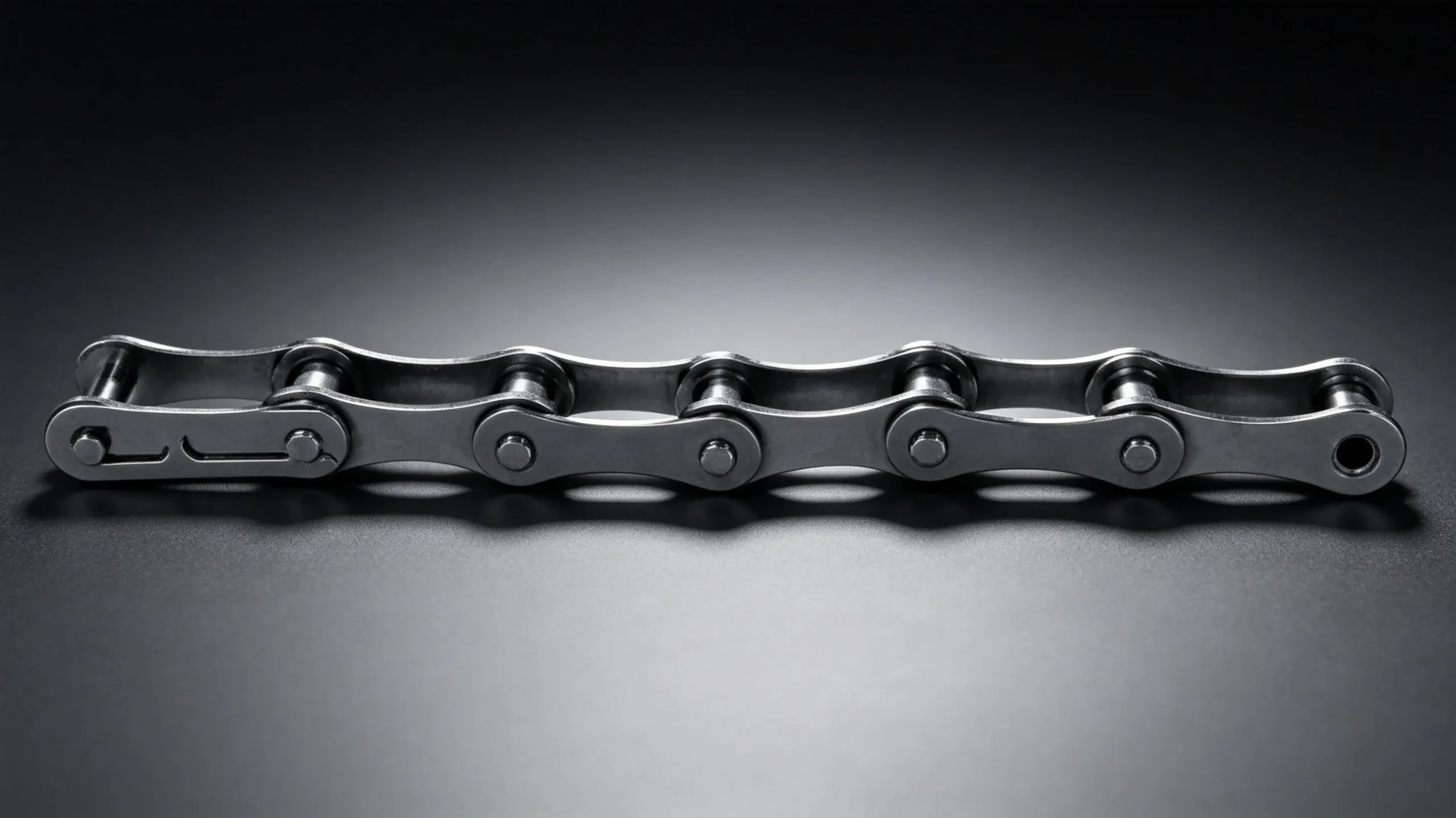
A stiff link — one that does not flex freely when the chain articulates around the sprocket — is the most common single cause of a rhythmic roller chain clicking noise at low speed. The stiffness forces the chain to snap into the tooth root rather than rolling smoothly, producing a distinct click. Stiff links are caused by: corrosion inside the pin-bushing joint; mechanical deformation from a jam or impact; dried contamination locking the joint; or incorrect connecting link assembly.
To identify the stiff link, flex the entire chain by hand with the drive stopped and locked out. Every link should flex freely through 90 degrees in both directions. Any link that requires additional force or springs back to straight is a stiff link. Apply penetrating oil and manually work the joint — if it cannot be freed, cut out and replace the link.
Cause 2: Damaged or Bent Link Plate
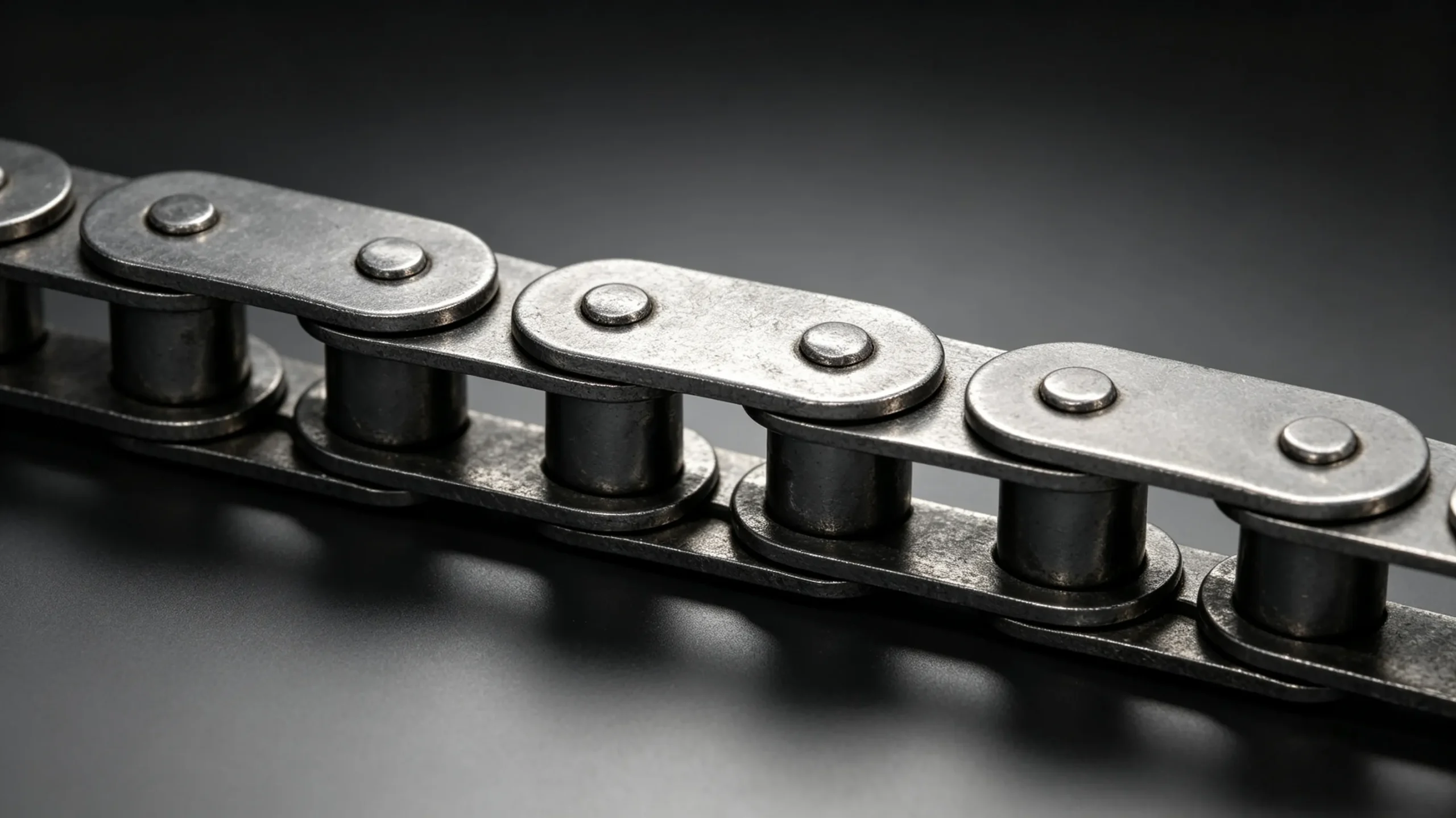
A link plate bent, cracked, or deformed from a jam, overload, or external impact produces a clicking sound as the damaged area passes over the sprocket tooth face on each revolution. The click from a damaged plate is typically harder and sharper than a stiff link click, and the chain may rock slightly sideways at the damaged link as it passes over the sprocket. Inspect all outer link plates for cracks radiating from pin holes — these require immediate chain replacement, not continued operation.
Cause 3: Worn or Damaged Sprocket Tooth
A worn, chipped, or damaged sprocket tooth produces a click once per sprocket revolution at the position of the defective tooth. Count the click interval and compare to the sprocket revolution period — if the click interval corresponds to the sprocket revolution period (not the chain revolution period), the problem is a specific sprocket tooth. Inspect the sprocket teeth by rotating the drive sprocket slowly by hand, looking for chipped or broken tooth tips, hook-shaped worn tooth flanks, or debris embedded in the tooth gullet.
Cause 4: Elongated Chain on Worn Sprocket
When chain elongation has progressed beyond approximately 2 percent and the sprocket teeth have also developed a worn hooked profile, the chain rollers can temporarily engage the wrong tooth position on each revolution — producing a rhythmic skip-click at low speed. This is a warning sign of imminent chain disengagement under load. Stop the drive, measure chain elongation, and perform the sprocket roller seating test before returning to service.
Cause 5: Sprocket or Chain Guide Misalignment
A sprocket or chain guide that is slightly out of line produces a clicking or ticking sound as the chain links rub against the edge of the guide or press sideways against the sprocket tooth face. This type of click has a scraping quality rather than the sharp click of a stiff link or damaged plate, and may be accompanied by visible wear on one side of the inner link plates.
EverPower Roller Chains Australia can assist with roller chain diagnosis and supply of replacement chain and sprockets. Contact our Sydney team at +61 2 9708 3322 or [email protected].
+61 2 9708 3322 | [email protected] | 27 Harley Crescent, Condell Park NSW 2201